









How Does FileMoon Work? Streaming & Upload System Explained
Modern file hosting platforms are no longer simple storage lockers. They operate as structured delivery ecosystems designed to handle large uploads, streaming traffic, and global downloads simultaneously. If you are using or considering FileMoon, understanding how its upload pipeline and streaming mechanism work can help you optimize performance and avoid common mistakes.
This guide explains the technical workflow behind FileMoon in a clear, professional format — without unnecessary jargon — while highlighting the infrastructure principles used in modern cloud environments.
Overview of FileMoon
FileMoon functions as a large-file hosting and streaming platform. Users upload digital assets (videos, archives, software packages) and generate shareable links for streaming or direct download.
Its operational model revolves around three core stages:
- Upload processing
- Secure storage architecture
- Content delivery and streaming
Each stage plays a critical role in speed, scalability, and reliability.
Upload System: What Happens When You Upload a File?
Step 1: Secure File Transfer
Uploads occur over HTTPS (TLS encryption), ensuring data is encrypted during transit. Secure transport layers follow principles recommended by OWASP for secure web communication.
For large files:
- Chunked uploading may be enabled
- Interrupted uploads can resume
- Bandwidth is dynamically allocated
Upload speed depends primarily on your internet upload bandwidth, server load, and file size.
Step 2: File Validation & Processing
Once the file reaches the server, backend processes begin automatically:
- Integrity verification
- Format recognition
- Storage assignment
- Optional optimization for streaming
Video files may be prepared for progressive streaming compatibility.
Step 3: Secure Storage Allocation
After validation, the file is stored on dedicated secure storage servers .
Professional file hosts typically use:
- RAID disk arrays (redundancy)
- SSD or NVMe storage for faster I/O
- Load-balanced storage clusters
Modern cloud environments such as Amazon Web Services (AWS) illustrate how distributed storage architecture enhances scalability and uptime reliability.
Once indexed in the system database, the file receives a unique access URL — enabling streaming or download.
Streaming System: How Video Playback Works
If the uploaded file is a video, FileMoon enables browser-based playback.
Progressive Streaming
Most file hosting services use HTTP progressive streaming:
- Playback begins before full download
- Data is delivered in segments
- Buffering depends on connection stability
Instead of transferring the entire file first, segmented delivery ensures faster initial playback.
Content Delivery Workflow
When a viewer clicks a streaming link:
- Request is sent to the server
- Access validation occurs
- File segments are delivered securely
- The video player buffers
- Playback begins
Buffering performance depends on:
- Server load
- Geographic distance
- User internet speed
- Free vs premium access tier
Adaptive Performance & Load Management
High-traffic file hosts implement:
- Multi-threaded download acceleration
- Load balancing across nodes
- Smart routing based on location
Traffic filtering and DDoS mitigation systems — similar to technologies used by Cloudflare — help maintain stability during high demand.
Download System Explained
When downloading instead of streaming:
- A direct session is generated
- Bandwidth is allocated per session
- Speed varies by user tier
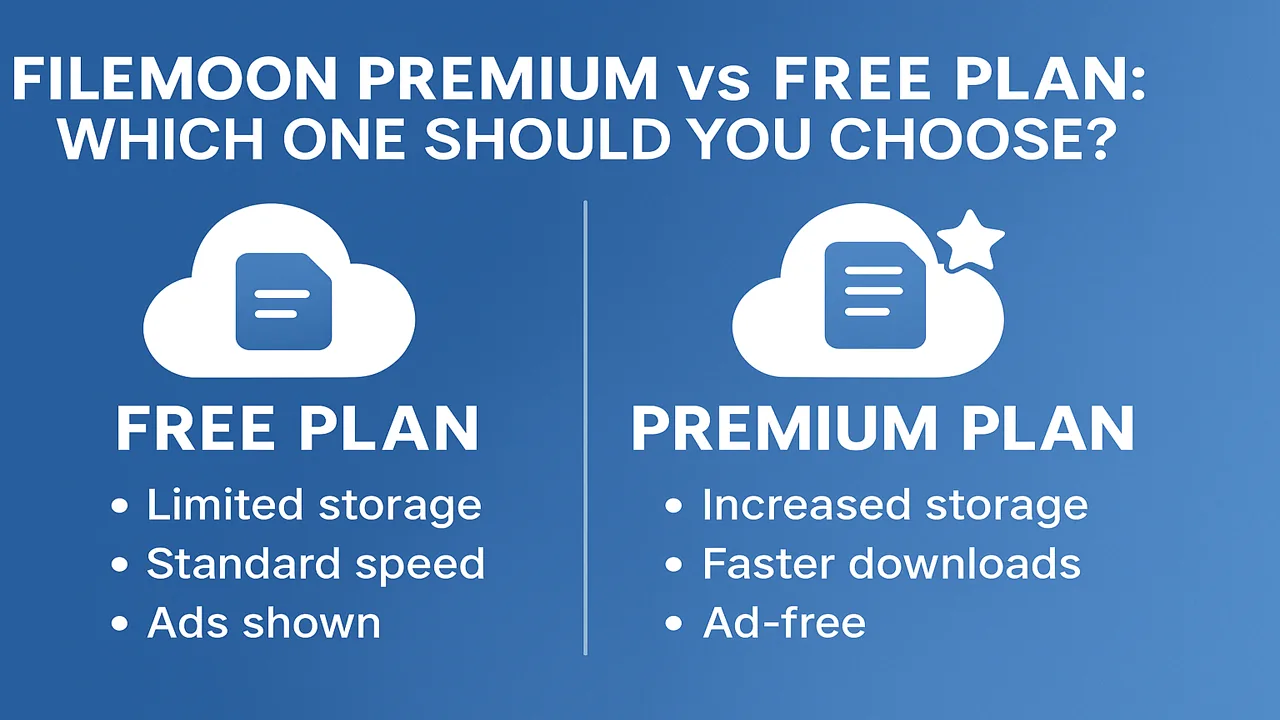
Premium users typically receive:
- Higher bandwidth limits
- No wait times
- Parallel download threads
Free users may experience:
- Speed caps
- Short delays
- Limited simultaneous downloads
This tier-based model ensures infrastructure stability under heavy traffic.
Link Generation & Access Control
After upload, FileMoon generates:
- Unique file URL
- Embed code for websites
- Optional direct download link
Advanced controls may include:
- Password protection
- Expiration settings
- Download limits
These controls prevent unauthorized distribution and abuse.
What Affects Streaming Speed Most?
- Your internet bandwidth
- Distance from server node
- Peak traffic hours
- Device processing capability
- Account tier (free vs premium)
Server infrastructure is only one part of the equation — end-user conditions also matter.
Security in the Upload & Streaming Pipeline
Throughout the workflow, protection mechanisms generally include:
- HTTPS encryption
- Token-based link validation
- Firewall filtering
- Abuse monitoring systems
- DDoS mitigation
Secure routing minimizes unauthorized access and ensures system resilience.
Final Summary
FileMoon operates through a structured pipeline:
Upload → Validation → Secure Storage → Link Generation → Streaming or Download Delivery.
Its performance depends on:
- Storage architecture
- Bandwidth allocation
- Server distribution
- User tier management
- Network optimization
File hosting is not simply about saving files — it is about delivering them securely and efficiently at scale.
For heavy media users, understanding this workflow helps maximize speed, reliability, and control.



Comments (0)
No comments found