









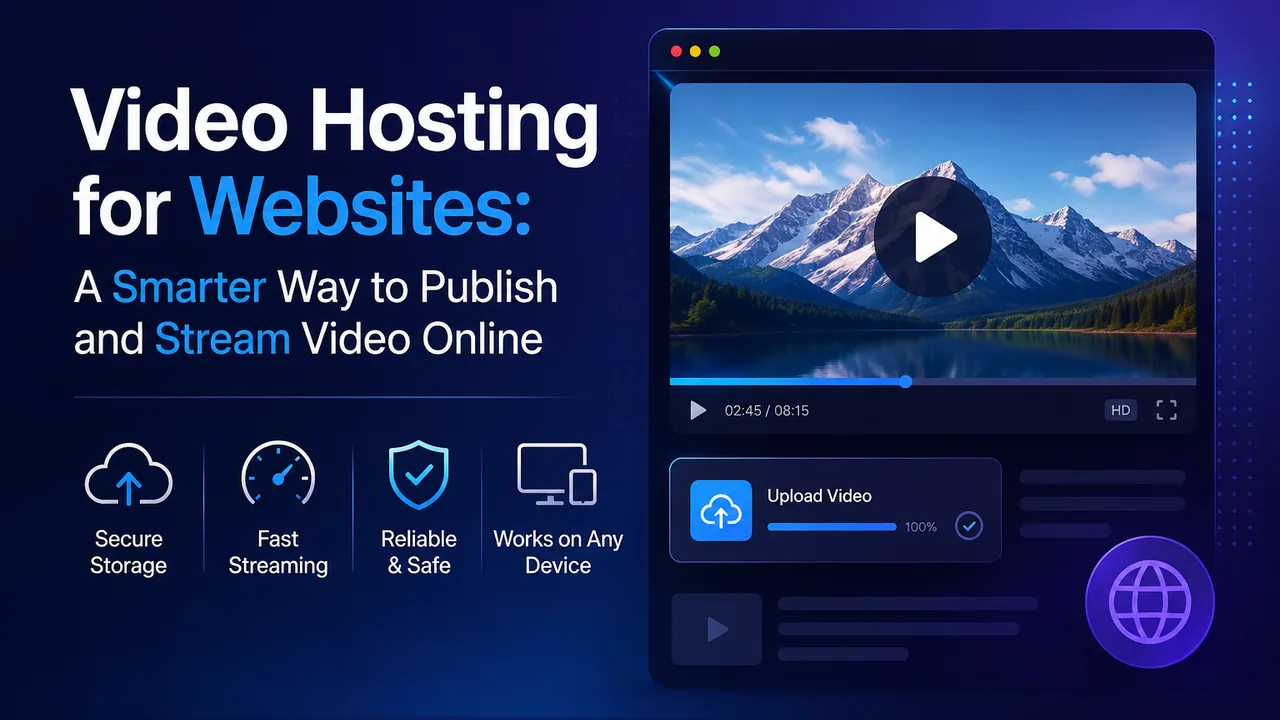
Video Hosting for Websites: A Smarter Way to Publish and Stream Video Online
Video has become an important part of modern websites. Businesses use it for product demonstrations, publishers use it to support articles, educators use it for online lessons, and creators use it to reach audiences in a more engaging format. However, adding video to a website is not as simple as uploading a large MP4 file to a normal hosting account.
Large video files can consume storage, increase bandwidth usage, slow down page loading, and create playback problems for visitors. This is why many website owners use video hosting for websites instead of storing every video on the same server as their pages, images, and databases.
A dedicated video hosting platform stores, processes, and delivers your videos separately. You upload the video once, generate a sharing or embed link, and display it on your website through a responsive player. This approach can make video management easier while reducing pressure on your primary web server.
What Is Video Hosting for Websites?
Video hosting for websites is the process of storing video files on a platform designed for media delivery and then displaying those videos on another website. The video appears inside the website through an embedded player, but the actual file is delivered by the video hosting provider.
This setup is different from uploading a video directly to a WordPress media library or placing it inside the public folder of a web server. With direct hosting, the website server must store the original file and deliver the video data to every viewer. With dedicated video hosting, most of that workload is handled outside the main website.
A website owner can normally follow a simple workflow:
- Upload a video to the hosting platform.
- Wait while the file is processed for online playback.
- Choose the required privacy or sharing settings.
- Copy the generated embed code.
- Paste the code into a page, post, course, or landing page.
The visitor remains on the publisher’s website while watching the video. This makes embedded video hosting suitable for blogs, membership websites, online learning platforms, business websites, news publications, and creator portfolios.
Why Direct Video Uploads Can Cause Problems
Self-hosting a small video is possible, but it becomes difficult when videos are large, traffic increases, or multiple users watch at the same time. Standard shared hosting and many general-purpose servers are optimized for web pages rather than continuous video delivery.
Heavy Bandwidth Consumption
Video files are much larger than normal images and text pages. Every time a visitor watches a self-hosted video, data is transferred from the website server. A single popular video can therefore consume a substantial amount of monthly bandwidth.
If the hosting plan has strict transfer limits, the website may become slower or incur additional charges. Using a dedicated website video hosting service keeps this media traffic separate from normal page requests.
Pressure on Server Resources
A web server may already be handling PHP requests, database queries, account logins, search functions, images, and background processes. Adding multiple video streams can increase disk and network activity, particularly during traffic spikes.
This does not only affect the video page. Other areas of the website may also feel slower because they depend on the same server resources.
Larger Backups and Difficult Migrations
Storing a growing video library inside a website can make backups unnecessarily large. Moving the site to another server may take longer, and restoring it after a technical problem becomes more complicated.
When videos are stored separately, the website backup mainly contains its pages, database, design files, and essential uploads. This creates a cleaner management process.
Inconsistent Playback
A raw video file may work well for one visitor but perform poorly for another. Playback can be affected by the browser, device, internet connection, file format, and video resolution.
A platform built for video delivery can process supported uploads into a format that is more suitable for browser-based streaming. This can help viewers start playback and move through the video more smoothly.
How Website Video Hosting Works
Professional video hosting involves more than storing a file. The platform must prepare the video, make it accessible through a player, and deliver the required data when somebody presses play.
Uploading and Processing
The process begins when a user uploads a video from a computer or supported device. The original file may be large and may not be ready for efficient online playback. The platform therefore processes the upload before making it available to viewers.
Processing time depends on the file size, duration, resolution, source format, and current system workload. A long high-resolution video will generally require more processing time than a short standard-definition clip.
Streaming Instead of Delivering One Large File
Modern platforms can prepare supported videos for segmented streaming. Instead of forcing the browser to receive one complete video file, the player requests smaller sections as they are needed.
This approach can provide faster playback startup and more practical seeking. When a viewer moves to another point in the video, the player can request the relevant segment rather than downloading everything from the beginning.
Embedding the Player
After processing, the platform generates an embed code. This code is usually placed inside a website’s HTML area, content editor, or page-builder widget.
A properly responsive player should adapt to the available width on desktop, tablet, and mobile screens. Website owners should always test the published player on different devices instead of assuming that the desktop preview represents every visitor’s experience.
Managing Access
Some videos are intended for the public, while others may be limited to clients, members, customers, or users in selected locations. Depending on the platform and plan, access controls may include private visibility, password protection, sharing permissions, or geographic restrictions.
These tools are useful, but publishers should still apply sensible security practices. Confidential business material should never depend on a public link alone.
Self-Hosted Video vs Dedicated Video Hosting
| Area | Self-Hosted Video | Dedicated Video Hosting |
|---|---|---|
| Storage | Uses the website server | Uses separate media infrastructure |
| Bandwidth | Consumed by the main hosting account | Handled by the video platform |
| Video processing | Usually requires manual setup | Often handled automatically |
| Embedding | May require a plugin or custom player | Embed code is normally provided |
| Scaling | Depends on server capacity | Better suited to growing video traffic |
| Backups | Large videos increase backup size | Videos remain separate from the website backup |
| Management | Handled through server or CMS files | Handled through a dedicated dashboard |
Self-hosting can still be suitable for a short background clip, a small internal website, or a page with very limited traffic. Dedicated video hosting for websites becomes more practical when video is an important part of the publishing strategy.
Features a Good Video Hosting Platform Should Offer
The right platform depends on the type of website, audience size, privacy requirements, and publishing frequency. However, several features are important for most website owners.
Reliable Uploading and Video Processing
The platform should support the file formats commonly used by its customers and provide a clear processing status. Users should be able to see whether a file is uploading, processing, ready, or affected by an error.
A Responsive Embed Player
The player should fit naturally inside modern website layouts. It must remain usable on smaller screens and should not extend beyond the content area. Controls such as play, pause, seeking, volume, and full-screen mode should be easy to use.
Organized Video Management
A professional dashboard should make it easy to identify and manage uploaded videos. Clear titles, folders, descriptions, thumbnails, visibility controls, and activity information become increasingly important as the library grows.
Privacy and Content Controls
Website owners may need different access rules for different videos. Public promotional content, paid educational lessons, private client demonstrations, and internal training material should not automatically use the same settings.
Before publishing, check which privacy and geographic controls are available and whether those controls apply to watch pages, embedded players, streams, or downloads.
Useful Analytics
View and engagement information can help a publisher understand whether people are watching the content. Useful reports may include total views, audience countries, devices, playback activity, and video performance.
Analytics should be used to improve content decisions rather than focusing only on a raw view count. A video with fewer but more engaged viewers may be more valuable than a video that receives many accidental starts.
Clear Account Limits and Policies
Check the upload size, total storage, file-retention rules, supported formats, processing priority, and premium conditions. Website owners should also review the platform’s copyright and acceptable-use policies before uploading content.
Only publish videos that you created, licensed, or have permission to distribute. A hosting account does not provide legal rights to somebody else’s movies, television programmers, music, courses, or private recordings.
Using FileMoon for Video Hosting on a Website
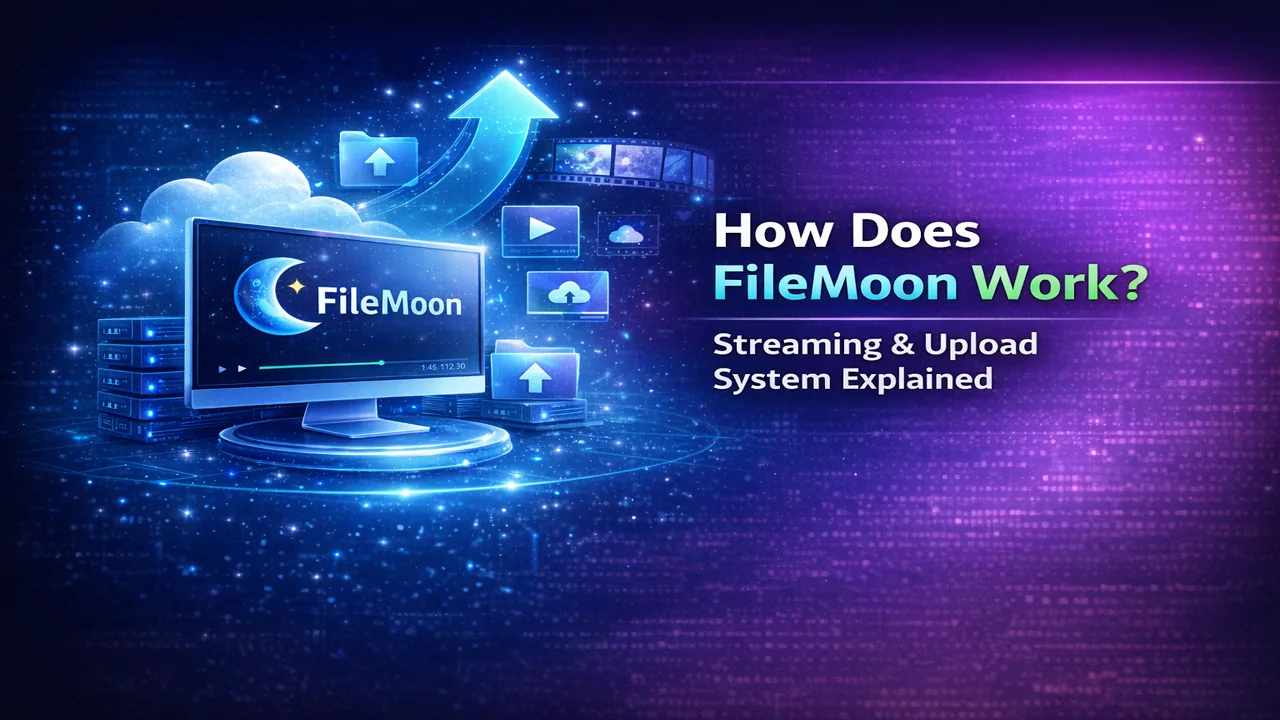
FileMoon provides video hosting and file-sharing tools for creators, publishers, teams, and website owners. Users can upload supported video files, manage them from a dashboard, generate sharing links, and place videos on compatible websites through an embedded player.
Supported videos can be processed for HLS playback, allowing the player to deliver video in smaller segments. This is designed to support smoother browser-based viewing, quicker seeking, and playback across modern desktop and mobile devices.
FileMoon also brings video and file management into one account. Depending on the account type and available features, users can manage public or private access, apply content controls, review activity, and organize uploaded media without keeping the complete video library on their website server.
This makes FileMoon useful for several common publishing workflows:
- Embedding tutorials inside blog posts
- Adding product demonstrations to business pages
- Publishing videos on entertainment or community websites
- Sharing client previews through controlled links
- Managing a growing library of creator content
- Delivering supported videos without using the primary website’s storage
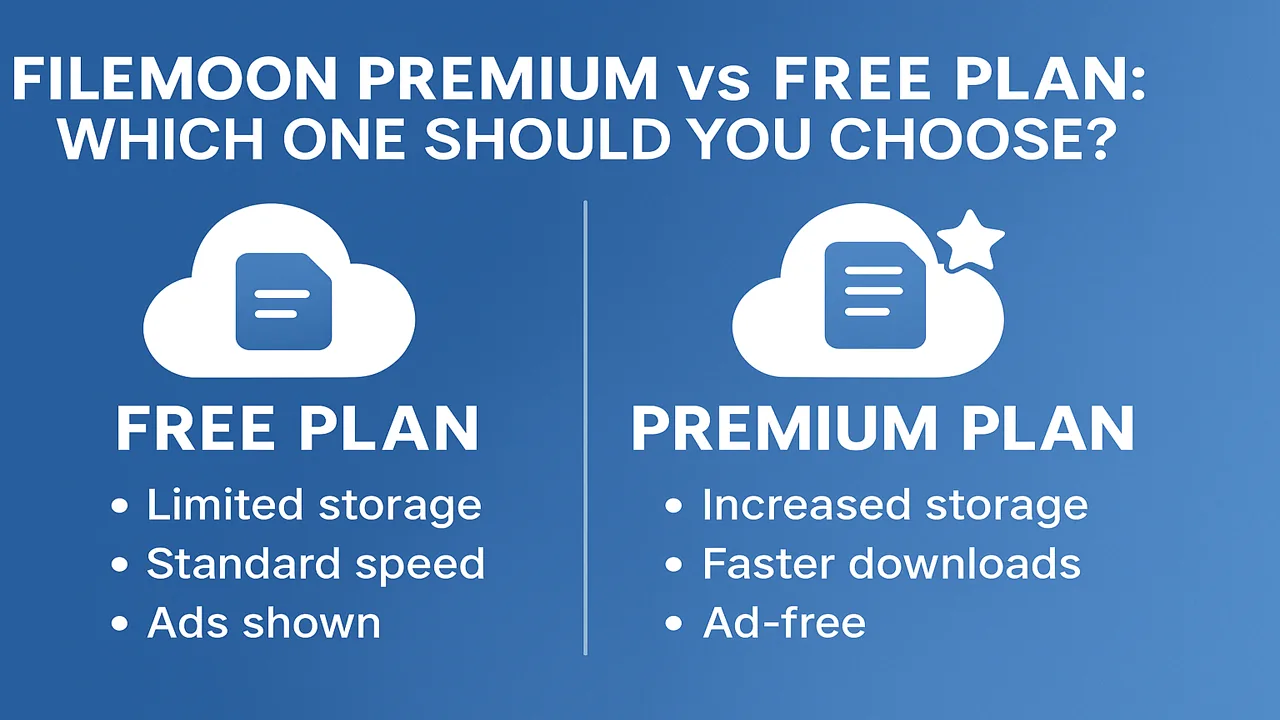
Website owners who need additional account capabilities can compare the available options on the FileMoon Premium plans page. Current premium tools include enhanced video features, priority processing options, geographic controls, creator branding, video replacement, and advanced analytics.
Before publishing a large library, review the FileMoon FAQs and Terms of Use. This will help you understand current limits, processing rules, content requirements, and account conditions.
Best Practices for Publishing Video on a Website
Choosing a hosting platform is only part of the process. The page surrounding the video also affects usability, performance, and search visibility.
Create a Useful Page Around the Video
A page should not contain only a player and a short sentence. Explain what the video covers, who it is for, and what the visitor will learn. Include a concise introduction, important takeaways, and any instructions needed to use the information.
This written context also gives search engines a clearer understanding of the page topic. For important videos, consider adding an edited transcript rather than relying only on audio.
Use Accurate Titles and Thumbnails
The title should describe the real subject of the video. Avoid misleading headlines or thumbnails that promise something the video does not deliver. Clear presentation builds trust and attracts visitors who are genuinely interested in the topic.
Add Captions Where Possible
Captions improve accessibility and allow people to follow a video when they cannot use sound. They are particularly valuable for tutorials, educational content, interviews, and business presentations.
Do Not Load Too Many Players at Once
A page containing many active video players can feel heavy, especially on mobile devices. For a video library or archive page, consider showing thumbnails and opening the player only after a user selects a video.
Test the Complete Experience
After embedding a video, test the page on a phone and desktop computer. Confirm that the player fits correctly, playback begins, seeking works, full-screen mode is available, and any access rules behave as expected.
Also check the page while logged out of the hosting and website accounts. Administrators sometimes see content that ordinary visitors cannot access.
Keep an Independent Backup
A video hosting service should not be the only location where an important original file exists. Keep an authorized backup in separate storage so the content can be recovered or moved when necessary.
Who Benefits Most from Website Video Hosting?
Video hosting for websites is useful for any organization that publishes more than an occasional small clip, but it is especially valuable in the following situations.
Publishers and Bloggers
Editorial websites can include interviews, explainers, reports, and supporting footage without filling the main hosting account with large files.
Businesses and SaaS Companies
Businesses can publish product tours, customer onboarding videos, recorded webinars, help-centre guides, and staff training material. Separating media delivery from the company website can simplify server management.
Educators and Course Creators
Educators can organize lessons and embed them into learning pages. For paid or private courses, access settings should be tested carefully to ensure that the selected setup matches the membership system.
Creators and Online Communities
Creators can share original videos on their own websites instead of directing every viewer to a third-party social profile. Communities can also embed announcements, guides, and approved member content within relevant pages.
Final Thoughts
A website can publish video in several ways, but uploading every large file directly to a normal web server is rarely the most manageable long-term approach. It can increase bandwidth use, consume storage, complicate backups, and place extra pressure on website performance.
A dedicated video hosting for websites solution separates video delivery from the main website infrastructure. It allows publishers to upload content, prepare it for online playback, generate responsive embed codes, and manage videos through a purpose-built dashboard.
FileMoon offers a practical option for website owners who need to upload, stream, manage, and embed supported videos. Start with a small test, publish the player on a real page, and check the experience across different devices before moving an entire video library.
The best platform is not simply the one offering the largest amount of storage. It is the one that provides reliable playback, appropriate controls, clear account conditions, and a workflow that fits the way your website publishes content.



Comments (0)
No comments found